
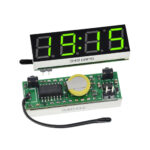
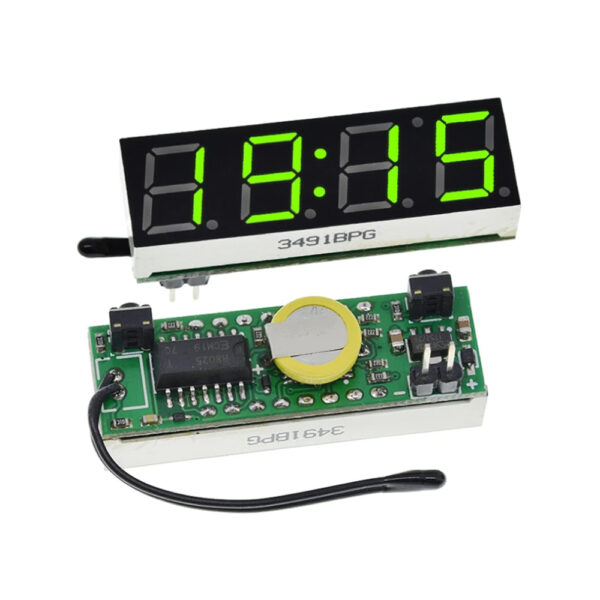
Specifications:
1, power supply voltage: DC5.0 ~ 30V
2, the temperature function range: -40 to 120 degrees, resolution 0.1 degrees.
3, voltmeter function Range:DC5 ~ 30V(need pure DC power supply,
24V battery is not recommended for use because of possible charging voltage is too high, burning)
4.size: 40x13mm
How to use
Under non-setting state, press the left button of adjustment time (note in the middle of the colon is bright),
1. At this time “minute” starts flashing, increase press right, adjust the range 00 to 59. After a good tune, “minute”,
2. Press the left button, then the “hour” starts flashing, increase press right, adjust the range 00 to 23.
3. tuned “hour”, then press the left into the adjustment date (note in the middle of the colon is off), then “day” starts
flashing, press right to increase adjustment range 1-31.
4. tuned “day”, then press the left button, then the “month” starts flashing, press right to increase adjustment range 1-12.
5. After adjusting the date, then the left, then “year” starts flashing, increase press right, adjust the range 2012-2049.
6. adjust the “year”, then press the left button, go to show the error voltage calibration function [x.xU], the unit is 0.1V, a
positive number indicates an increase, a negative number indicates decrease.
7. Then press the left button, enter the temperature error calibration settings [Ac: xx], xx on behalf of the correction value,
increased by right, a positive number indicates an increase, a negative number indicates decrease in degrees.
8. Press the left, into the cycle defined function dd option status display items, press the right to change the value: (dd: 0)
time + temperature + voltage, (dd: 1) time + voltage, (dd: 2 ) time + temperature, (dd: 3) Temperature + voltage. Press the left
button, the display alternately into circulation interval dF option, press right to change the value, the greater the value the
longer the interval. DF Do not set to 0, otherwise it will be black.
9. Finally press the left button to save all settings value and return to normal display.
How to change
Second, switch the display items
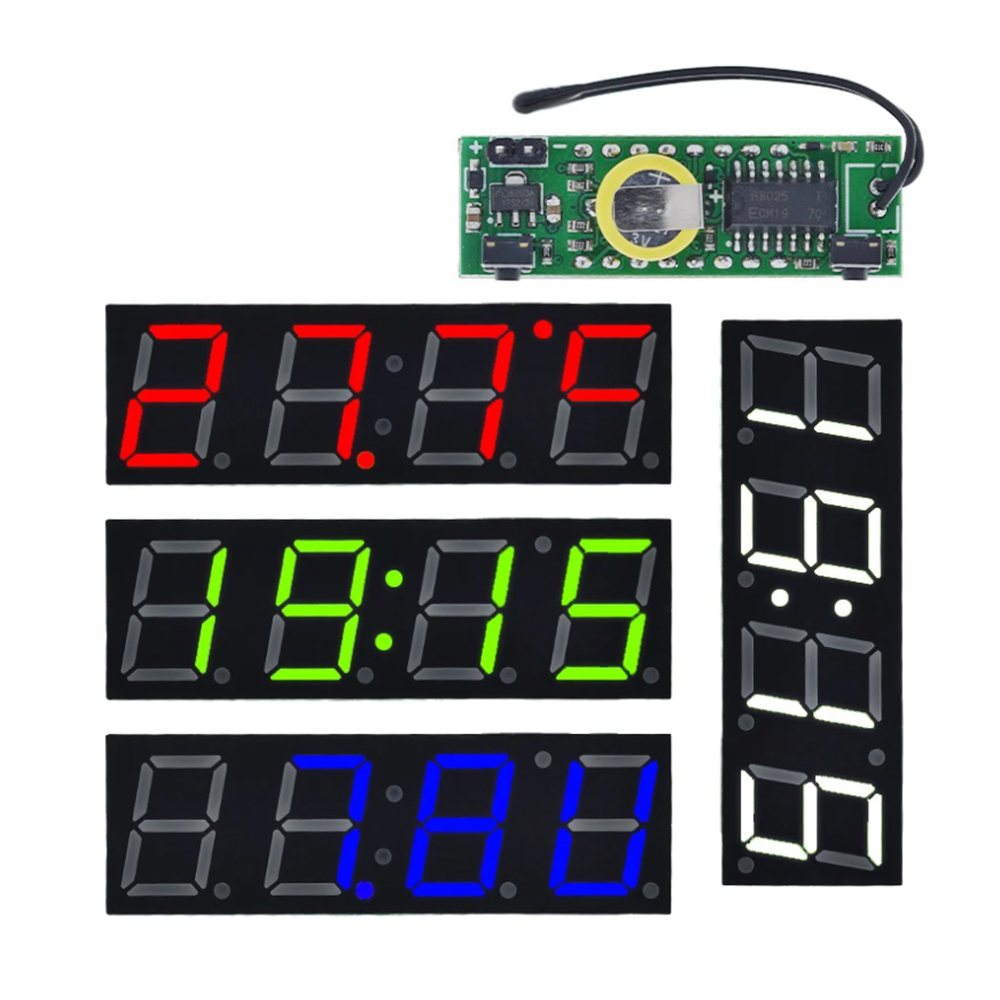
Under non-setting state, press the right key to switch the display,
the display will be in time —> Date —> Temperature —> voltage —> alternately
switched between the circular display.
NOTE:
When used, the temperature of the probe as far away from the board,
or the clock will heat affect the temperature measurement
Package Includes:
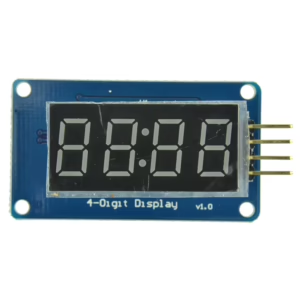
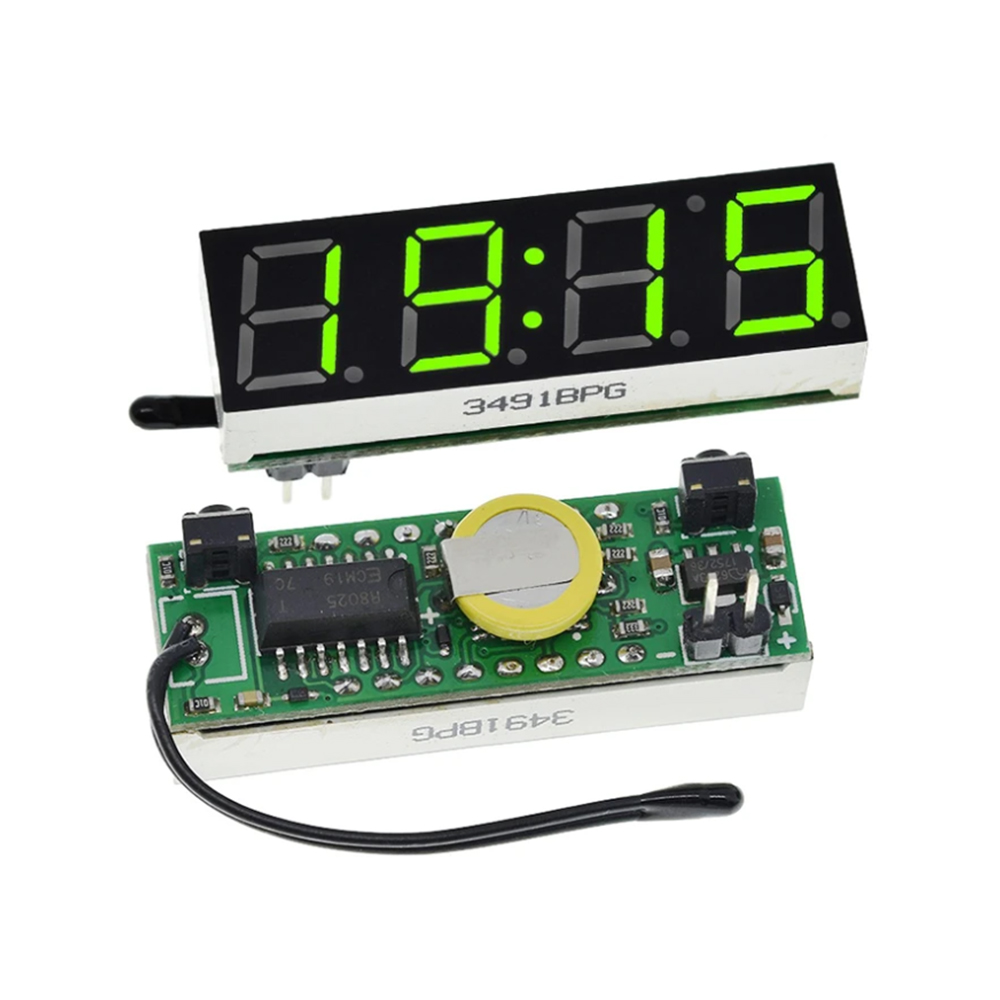
1 * 3 in 1 LED RX8025 Module
Reviews
There are no reviews yet.